
Table of Contents
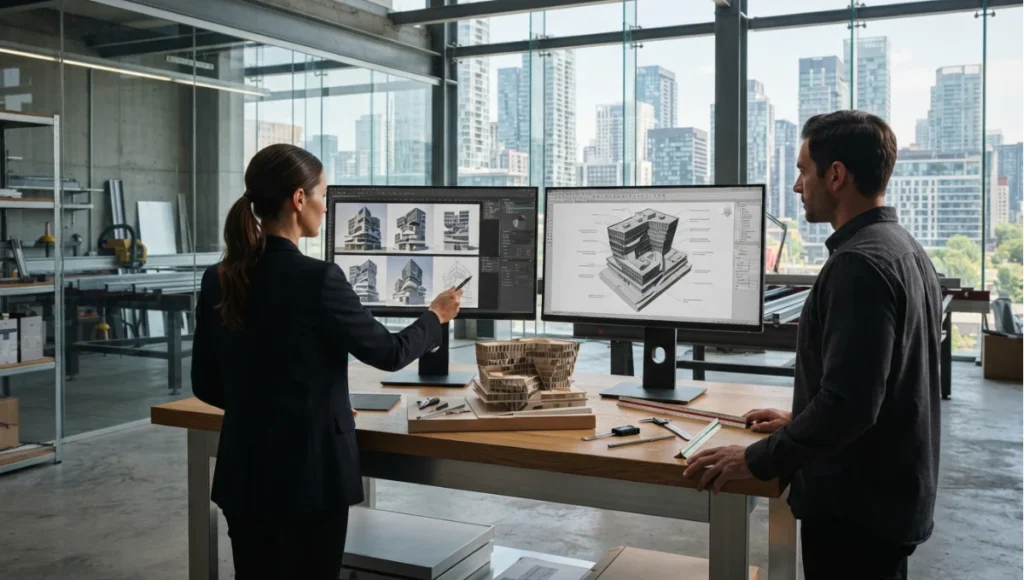
Watch a design team arrive at a first massing review. One screen holds forty facade variants generated in an afternoon; another holds the model that has to survive a structural review, a planning submission and a construction programme. Everything confusing about generative AI in architecture lives in the gap between those two screens — and the confusion is expensive in both directions: studios that treat generated imagery as design work, and studios that dismiss the whole class because the imagery does not build.
Generative AI in architecture means machine-learning models that produce new design content — images, geometry, parameters, documentation drafts — from learned patterns plus designer intent. This page defines the territory: what generative AI is, how it differs from generative design and from automation, which model families touch which workflow steps, and where each path leads in our coverage. Tool tutorials live in our Midjourney and Stable Diffusion workflows guide; production pipelines live in our automation workflows guide.
Nuvira Perspective
At Nuvira Space, we scout the edge and report what breaks: generative models are extraordinary ideation partners and unreliable engineers, and confusing those roles is where studios lose money. Our position: let models propose, let physics and professionals dispose — every generated output passes through verification before it touches a deliverable. What follows maps the territory so you route each task to the right system: definition first, disambiguation second, honest limits always.
Definition: what generative AI is and is not
Generative AI names machine-learning models that generate new content from learned patterns: diffusion models producing images from noise guided by prompts, 3D generative models producing geometry, language models producing text and code. In architecture these models touch concept visualization, massing exploration, rendering assistance, documentation drafting, and design communication. What they do not do: guarantee structural validity, code compliance, dimensional accuracy, or constructability. Every output is a proposal requiring professional verification — the defining discipline of working with these tools on real projects.
Three confusable terms, separated
Generative AI learns patterns from data and generates plausible new content — images, geometry variants, text. Generative design is constraint-and-performance driven: algorithms exploring solution spaces against explicit objectives (daylight, structure, cost), where the designer authors constraints and the system searches. One is fundamentally probabilistic and open-ended; the other is optimization over defined parameters. Automation removes human steps from existing workflows — diagramming passes, engine handoffs, version control — regardless of whether AI is involved. A Midjourney concept image is generative AI; a scripted daylight-optimization run is generative design; a pipeline that versions massing options automatically is automation. Studios need all three, must budget them separately, and fail when they purchase one expecting another.
Technical deep dive: the stack
Model families mapped to workflow steps
Diffusion image models serve concept visualization and mood development — fast ideation, weak dimensional control, hallucination risk on structures. 3D generative models serve massing and geometry exploration with growing BIM-adjacent outputs. Language models serve documentation drafting, specification assistance, code-interpretation support, and workflow scripting — always reviewed by licensed professionals before issue. NeRF and reconstruction models serve site capture rather than generation, turning photography into navigable scenes (see our visualization coverage). Match the family to the step; mismatches — diffusion models for construction documents, language models for structural judgment — are the characteristic failure mode.
Workflow integration: pipelines, not prompts
Production use means pipelines, not prompts: constraint authoring, diagramming passes, engine handoff, version control, team training — the full sequence our automation workflows guide documents with phase structure, bottleneck analysis, and abandonment autopsies. The handoff between this page and that one is deliberate: understand what the models are here, learn to operate them there, run them as managed pipelines in production. Skipping the middle step — operating tools without pipeline discipline — is the most expensive common mistake, and the most common form it takes is prompt libraries without version control: dozens of tested prompts scattered across chats and inboxes, unrepeatable the month after they worked. Treat prompts as code — versioned, reviewed, retired explicitly.
Adoption reality: who uses what in 2026
Concept teams use image tools daily with light governance; production teams use automation pipelines with heavy governance; principals use language models for drafting with professional review gates. Time-to-value runs days for ideation tools, weeks for rendering plugins, months for managed pipelines — budget learning curves in billable time, not evenings. The studios extracting value share one trait: verification discipline scaled to the tool’s failure modes, not enthusiasm scaled to its demos.
Nuvira Space · Future Tech
Generative AI task router
Mismatching the model to the task is the characteristic failure mode, not the tools themselves. Name the workflow step and what the output has to survive, and the router returns which model family fits, what it will get wrong by design, and who has to review it.
Router result
Concept imagery · nothing yet — internal — diffusion, used for mood and composition
0 of 6 review-gate elements in place.
Route to Diffusion image models. Diffusion image models are the right route for concept visualization and mood development, and the wrong route for anything dimensional. They are strongest at composition and atmosphere and weakest at counts, text and exact measurement — so use them where the output is judged as a proposal rather than a document. Internal use only, so the gate is light — but the constraint set and the retained prompts still apply, because an unrecorded exploration cannot be reproduced or explained next month. (lightest gate.)
Characteristic failure to expect: impossible cantilevers presented beautifully, stair counts that change between views, text rendered as glyph-like decoration.
Watch for: using a proposal as a record — nothing generated is a design record until it has been reviewed and the documented model carries it. (Gate gaps: constraint set written first; named reviewer; dimensional check placed; reference check on claims; prompts and versions retained; output labelled as proposal.)
Orientation aid only. This router maps a task to a model family and its likely failure mode; it does not endorse a product, verify output, or replace professional review of any deliverable. Specifications cited are based on publicly available data as of 2026. © Nuvira Space. All rights reserved. | FUTURE TECH Series.
How the models work (practitioner depth, not math)
Three mechanisms cover nearly everything architects encounter. Diffusion models learn to reverse noise into images: trained on captioned image-text pairs, they denoise random fields toward outputs matching a prompt — which is why they excel at mood and composition while struggling with counts, text, and exact dimensions. GANs pit a generator against a discriminator in training, yielding sharp outputs whose failure modes cluster around training-distribution edges. Transformers predict sequences — text, code, parameter sets — making them strong at documentation assistance and workflow scripting, weak at spatial reasoning unless explicitly grounded. Knowing which mechanism sits behind a tool predicts its characteristic mistakes before they cost fee: diffusion hallucinates structures, GANs repeat distribution biases, transformers confabulate confident nonsense about geometry. Verify against mechanism, not marketing.
Where each mechanism fails in practice
Diffusion failures: impossible cantilevers presented beautifully, stair counts that change between views, text rendered as glyph-like decoration. Transformer failures: plausible-sounding code references that do not exist, confident specification prose detached from the model. GAN-era failures persist in older tooling: repetitive massing vocabularies, style collapse under unusual prompts. None of these are reasons to avoid the tools — they are reasons to position verification labour where each mechanism is weakest: dimensional checks on diffusion output, reference checks on transformer output, diversity checks on GAN output. The studios that profit build these checks into pipelines; the studios that pay skip them.
Interoperability: what actually moves between tools
The handoff between a generated option and the project model is where most studio time is lost, and it fails for predictable reasons.
- Images move as images. A generated render is a picture, not geometry. It can be reviewed, shown and iterated, but nothing downstream can measure it, so it enters the project as a reference rather than as a model.
- Generated geometry needs reconstruction, not import. Mesh output from a 3D generative model typically arrives decimated, non-manifold or un-dimensioned, and getting it into a documented model means rebuilding it against measured intent rather than importing it wholesale.
- Constraints travel better than products. Orientation, plot boundary, programme areas and grid survive across tools because they are project data. Prompt text does not, which is why conditioning on drawn input is more reliable than describing the drawing in words.
- The documented model stays the source of truth. Whatever the generative pipeline produced, the model and the drawing set carry authority for construction. Treating a generated file as a design record is the interoperability failure that matters, because it is the one that reaches site.
- Parameters are the cleanest handoff. Where a model produces parameter sets rather than pixels — a facade rhythm, a unit mix, a massing envelope expressed numerically — the output can be tested and re-authored. That route preserves the value of the exploration without inheriting its errors.
Intellectual honesty: current limitations
What the technology cannot do yet defines responsible use. Hallucination: models generate plausible structures that violate physics, structure, and code — every output needs professional verification before touching deliverables. Tolerance: generated geometry rarely meets construction precision without conditioning and cleanup. Cost floors: compute, licensing, and the review labour that verification demands. Ethical friction: training-data provenance, authorship questions, and liability allocation remain unsettled across jurisdictions. This section is not pessimism; it is the differentiator between studios that profit from these tools and studios that pay for their mistakes. Revisit these limits annually — they move, but never assume they moved. And keep the three budgets separate in planning: ideation tooling is cheap experimentation money, pipeline automation is capital investment with training attached, and verification labour is insurance priced against deliverable risk. Studios that fund all three deliberately outperform studios that fund one generously and starve the other two, regardless of which specific tools they choose.
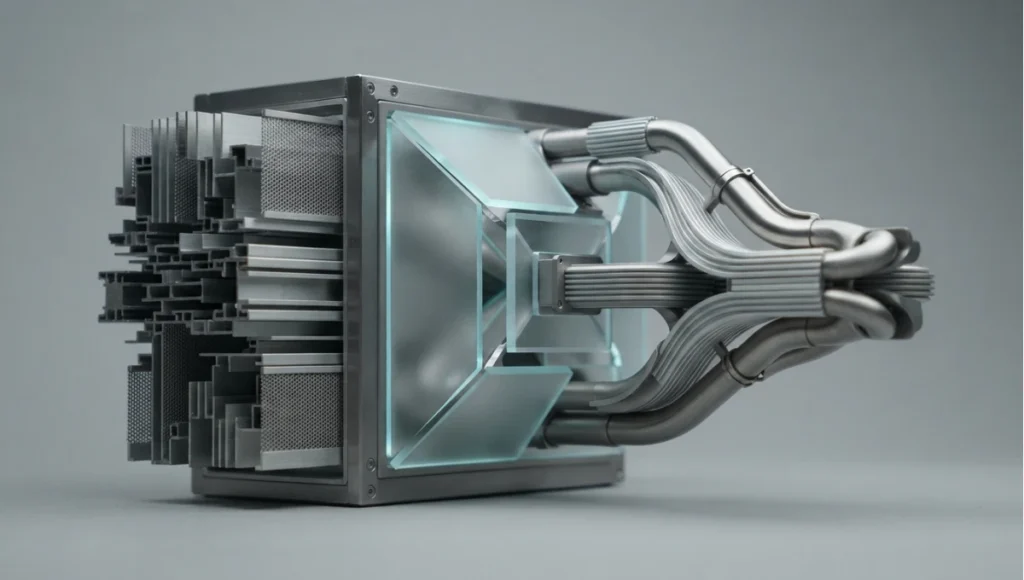
The toolset: 5 key tools
These five cover the working stack. Cost tiers are expressed as tiers rather than figures because licence terms move faster than this page; every entry should be re-verified against current vendor terms at implementation.
| Tool | What it does | Who it is for | Cost tier | 2026 maturity | 2030+ trajectory |
|---|---|---|---|---|---|
| Latent-space image platform (Midjourney class) | Generates concept imagery from text prompts in a hosted interface | Concept designers, competition teams, visualisers | Subscription, per-seat | Mature and widely used; weak dimensional control | Expect tighter project-conditioning and asset export rather than better pictures |
| Open weights image model (Stable Diffusion class) | Generates imagery locally or in a controlled environment, with inspectable settings | Studios with hardware and an appetite for pipelines | Free model, hardware and setup cost | Mature, but requires a maintained workstation and skill | Consolidation around a few maintained families; local control remains the reason to use it |
| Conditioned generation (ControlNet class) | Constrains a diffusion model with an additional input — depth, edges, pose — so output follows drawn intent | Architects who need a variant to respect a plan or massing | Free model, hardware and setup cost | Established since its 2023 release; the standard route to controlled architectural imagery | Should become the default expectation: conditioning as a feature rather than a separate step |
| 3D generative geometry | Produces massing or mesh geometry for early exploration | Massing and feasibility teams | Metered or subscription, vendor-dependent | Emerging; outputs need cleanup before use in BIM | The most consequential direction — watch interoperability with documented models, not output beauty |
| Language model assistant (documentation and scripting) | Drafts text, explains code, assists specification and workflow scripting | Studio leadership, documentation leads, computational designers | Subscription, per-seat | Mature for text, unreliable for project specifics | Moves toward agentic drafting with stronger project grounding — and stricter review gates |
The categorisation matters more than the names: what a studio buys is a job being done, and the failure mode attaches to the class. The two image categories fail on dimension; the geometry category fails on cleanup cost; the language category fails on confident fabrication. Our tool workflows guide drives the specific tools; this page maps where they sit.
Comparative analysis: generative AI against the traditional workflow
Read the delta column as the direction of change, not a measured result — the honest comparison is between two workflows rather than two products.
| Capability | Traditional Workflow | Future Tech Stack | Delta |
|---|---|---|---|
| Concept iteration speed | Options are drawn, rendered and reviewed in sequence over days | Variants are generated in batches and filtered by human judgement | Direction: iteration cost collapses, and the bottleneck moves to selection |
| Iteration cost | Every variation carries modelling and rendering time | Marginal variation approaches zero compute cost, plus review time | Direction: more options explored, at the cost of more review labour |
| Fidelity to intent | Output follows the drawing exactly, because it is the drawing | Output follows a prompt and a conditioning input approximately | Direction: control becomes the scarce skill rather than modelling speed |
| Human oversight | Review happens at defined project stages | Review must be continuous, and scaled to each mechanism’s failure mode | Direction: verification labour increases rather than decreases |
| Failure mode | Errors surface at documentation or on site | Plausible errors surface at the point of presentation, where they are most persuasive | Direction: the risk moves earlier and becomes harder to spot |
| Documentation burden | Documentation is produced by hand and checked by hand | Drafts are produced by model and must be checked against the project, not the prompt | Direction: drafting time falls, checking remains fully human |
| Latency to first option | Days from brief to first visual | Minutes from brief to first visual | Direction: the constraint shifts from production to discernment |
The comparison is not a verdict against manual work. It says that the constraint has moved: production capacity is no longer the limit, and the studio’s differentiator becomes how quickly and reliably it can tell a good proposal from a convincing one.
Speculative / Internal Concept Study — The Variant House — by Nuvira Space
Everything in this section is a speculative internal concept study. It is not a built project, it has no client, and every quantity below is a modelled concept target used to make the reasoning concrete — never a measured result.
Project overview
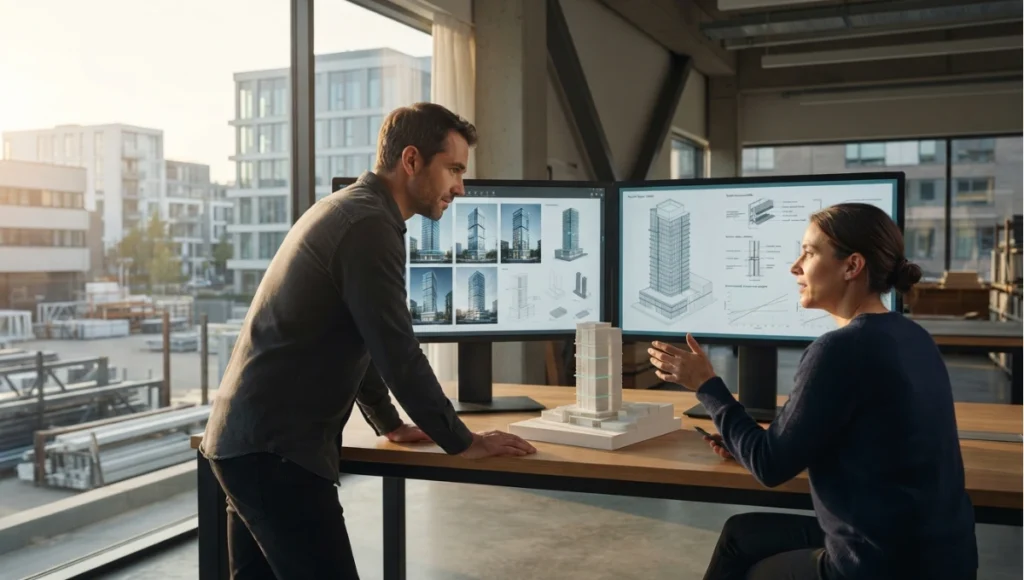
The Variant House is a speculative single-family dwelling used here to test one question: what changes in a small practice when generative exploration is treated as a budgeted workflow step rather than a novelty? The concept keeps the brief fixed — a narrow urban plot, one dwelling — and varies only the design process, exploring the envelope and internal layout across many generated variants before reverting to conventional modelling for the work that has to be built. Completion horizon is 2030+; no site or client is involved.
Design levers applied
- Brief conditioning before generation: the plot constraints, orientation and internal requirements are authored as explicit inputs first, so the model is constrained by the project rather than by an adjective (concept target, not a measured result).
- Batch exploration with a written filter: envelope variants are generated in batches and reduced against stated criteria — daylight access, glazing ratio, structural plausibility — with the filter written down before the batches are reviewed (concept target, not a measured result).
- Conditioned rather than prompted control: the variants that survive are re-generated with a conditioning input derived from the actual plan and section, so the imagery follows drawn intent instead of approximating it (concept target, not a measured result).
- A deliberate revert to conventional modelling: once the direction is fixed, the design moves back to documented modelling and drawing, because generated geometry does not carry project tolerances (concept target, not a measured result).
- Verification budgeted as a line item: review time is scheduled for the generated imagery at the same stage the practice would schedule drawing review — accepted as a cost rather than absorbed informally (concept target, not a measured result).
- Prompt library versioned with the project: the tested prompts are kept with the project record and retired explicitly rather than scattered across individual chat histories (concept target, not a measured result).
- A named stopping point: the study fixes in advance how many exploration rounds are run, so the workflow terminates on a decision rather than on diminishing returns (concept target, not a measured result).
Transferable takeaway
Apply the sequence, not the tool: constrain with the brief before generating, filter against written criteria rather than taste in the moment, condition on drawn geometry when dimensional intent matters, revert to documentation for anything that will be built, and budget the verification labour as a cost line. A practice that does those five things gets the speed of generation and the reliability of a drawing set; a practice that only adds a subscription gets faster confusion.
2030 and beyond
Three directions worth watching, each a projection rather than a forecast. First, conditioning should stop being a step: the expectation will be that a generated variant respects the project’s own plan, section and constraints by default, which turns controlled output from a specialist skill into the baseline. Second, drafting assistants should become project-grounded — writing against the actual model rather than describing it generally — which raises their usefulness and, simultaneously, the risk that a plausible paragraph is mistaken for a checked one. Third, the direction with the largest consequence is agentic pipelines: systems that run a document check, a clash pass or a specification cross-reference unattended and report exceptions rather than producing content. That changes the studio’s work from producing deliverables to auditing them, and it makes the review gate the main artefact of professional practice rather than the last step of a process.
Evaluating new tools as they appear
New tools arrive monthly; evaluate all of them the same way. Demand output controllability demonstrations on your project types, not vendor scenes. Test BIM interoperability with your actual models, not sample files. Verify hardware requirements against your workstations and licensing reality against your fee structures. Measure learning curve in billable weeks with a pilot team before studio-wide rollout. And check the failure modes above first — a tool whose characteristic mistakes match your deliverables’ critical dimensions is disqualified regardless of its strengths elsewhere. Revisit this evaluation as releases move; date-stamp every tool decision the way this page dates its claims — future-you, auditing a pipeline built two model generations later, will be grateful.
Governance: what a studio policy has to state
Tools change faster than employment contracts, so the durable investment is a written policy rather than a tool choice. Five clauses carry most of the weight.
- Which tasks may use which tool. Name the permitted categories per workflow stage, so the decision is not made per project by whoever is fastest with the interface.
- What must be disclosed. Whether generated imagery can be shown to a client as a design proposal is a contractual question as much as an aesthetic one, and the answer belongs in the policy rather than in a conversation after a presentation.
- Who signs off, by name. Verification is a role. A policy that says outputs are reviewed without naming who reviews what will be interpreted generously under deadline.
- What is retained. Prompts, settings, seeds and model versions belong with the project record, so a result can be reproduced or explained a year later — the same reason drawings are versioned.
- What is prohibited outright. Training on client material without consent, uploading confidential drawings into third-party tools, and issuing unreviewed output into a deliverable are the three prohibitions almost every studio eventually needs, and writing them early is cheaper than discovering them through an incident.
A policy that covers those five points is short, and it survives the arrival of next quarter’s tool in a way that a tool-specific guideline does not.
Version currency
Model generations turn over rapidly: capabilities, pricing, licensing terms, and platform integrations documented here reflect the 2026 landscape at publication. Re-verify versions, availability, and terms before purchasing or specifying workflows around specific tools — the definitions and disambiguation above age slowly, but every product fact decays fast. Bookmark the directory below as the stable entry point: definitions and disambiguation age slowly here by design, while tool specifics live where they can be updated without rewriting this map.
Frequently asked questions
This article is part of our smart building technology guide, the state-of-play synthesis across generative AI, robotics, and sensing layers.
Q: What is generative AI in architecture?
**A:**Machine-learning models producing new design content — images, geometry, parameters, documentation drafts — from learned patterns plus designer intent, always requiring professional verification.
Q: How is generative AI different from generative design?
**A:**GenAI generates plausible content from patterns; generative design optimizes within authored constraints against performance objectives. Different tools, budgets, and failure modes.
Q: Can AI replace BIM software?
**A:**No — models propose, BIM documents. Workflows that confuse the two inherit unverified geometry into construction documentation.
Q: Do AI outputs need professional review?
**A:**Always before deliverables: hallucination, tolerance, and compliance gaps make unreviewed outputs a liability, not a shortcut.
Q: Is prompt engineering still a valid skill?
**A:**As interface literacy, yes — but constraint authoring and verification judgment outrank prompt craft in production value.
Q: Where do I start practically?
**A:**Tool tutorials in our workflows guide, then the automation pipeline guide before production use — definition here, operation there, discipline throughout.
Q: What should a small studio buy first?
**A:**One hosted image tool and one conditioning route, then a named reviewer and a scheduled review slot — capacity without a review gate produces faster confusion, not faster design. Add tooling in the order the workflow needs it: exploration, then conditioning, then documentation assistance, and pipeline automation only when there is a pipeline to automate.
Q: How do I compare a generated option against a drawn one?
**A:**On the criteria that survive the render: does it meet the brief, does it meet the constraint set, and can the geometry be documented and built. A generated option that wins on atmosphere and loses on any of those three has not been designed yet, and the discipline of writing the filter down before reviewing the batches is what keeps that judgement honest.
Q: What hardware does local image generation actually need?
**A:**The requirement is a workstation with a capable discrete GPU and enough video memory to hold the model you intend to run, plus the storage and cooling to run it for hours rather than minutes. The practical threshold moves with model size, so verify it against the specific model version and your machine before committing — and budget the maintenance of that machine as part of the tool’s cost, because a local pipeline is an owned asset rather than a subscription.
Generative AI directory
Define here; operate in our tool workflows guide (Midjourney, Stable Diffusion, ControlNet, scale, hallucinations, prompt craft); produce via our automation workflows guide (constraint engines, handoff, version control). Related: rendering plugins · design tools roundup.
Step into the Future Tech archive
Step into the Future Tech archive → future-tech
© Nuvira Space All rights reserved.| FUTURE TECH Series | All tools and specifications cited are based on publicly available data as of 2026. The Variant House is a speculative internal concept study and does not represent a completed project.
1 thought on “What Is Generative AI in Architecture? Definition & Guide (2026)”