

Table of Contents
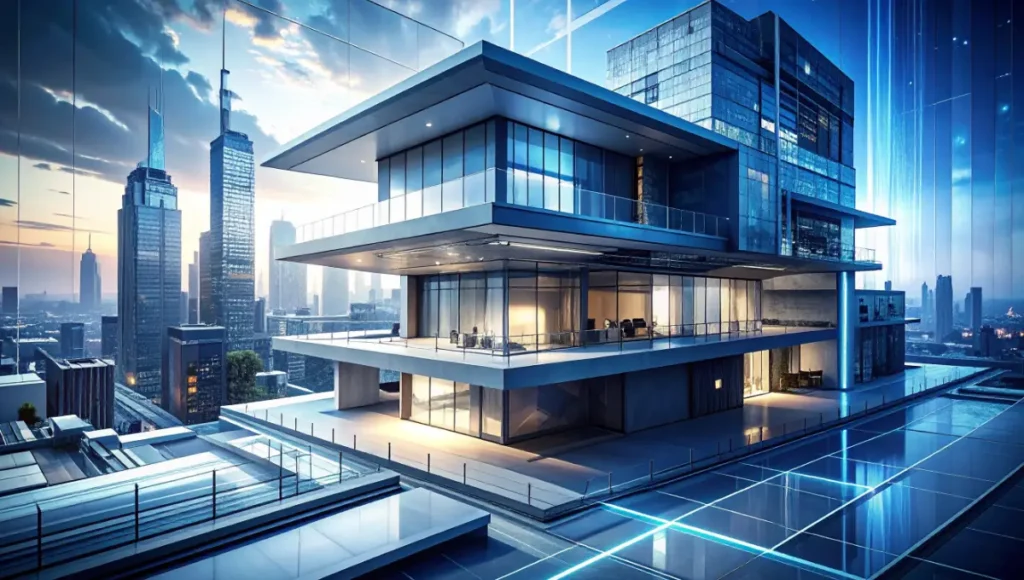
The global shift toward Architectural Collages signifies more than a stylistic trend; it represents a tactical retreat from the “uncanny valley” of photorealism. In high-density urban environments like Rotterdam, where the architectural fabric is a constant dialogue between historical masonry and radical steel-and-glass interventions, the standard photorealistic render often fails to communicate the atmospheric friction of the city. By adopting a tectonic, post-digital approach, you move from merely “representing” a building to “interrogating” its spatial potential through depth, texture, and light.
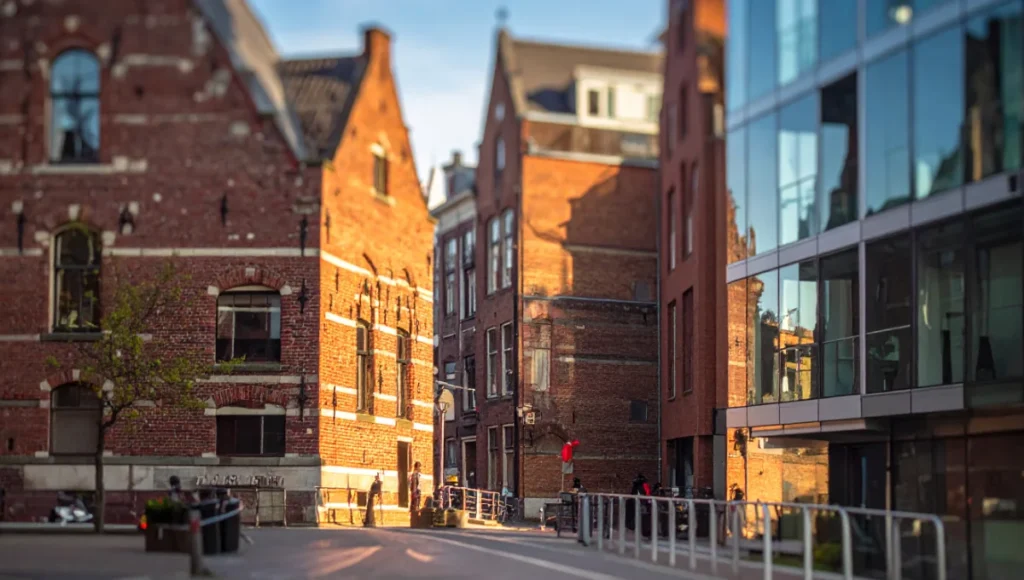
This methodology aligns with recent findings by the American Institute of Architects (AIA), specifically within their research on “Design for Integration.” The AIA highlights that high-performance design requires a communication of intent—where the narrative of the project is as vital as the BIM data. In their case studies on adaptive reuse, the AIA demonstrates that representational clarity often outweighs photorealistic complexity when securing stakeholder buy-in for radical urban shifts.
Nuvira Perspective
At Nuvira Space, we view the current representational landscape as a synthesis of human intuition and machine precision. We believe that real-time engines and high-fidelity simulations are not meant to replace the architect’s hand, but to extend it. By bridging the gap between digital intent and architectural reality, we leverage ray-tracing parameters not just for accuracy, but for narrative agency. Our mission is to move beyond the automated “click-to-render” culture and return to a disruptive, analytical workflow where every pixel serves a tectonic purpose.
13 Tectonic Architectural Collages: Post-Digital Shift
To master the post-digital shift, you must treat your digital model as a kit of parts rather than a finished product. Here is the analytical breakdown of how to construct 13 specific types of architectural collages that redefine spatial value.
1. The Monochromatic Massing Study
This focuses on form and light without the distraction of texture. It is the purest form of “architectural honesty” in these types of architectural collages.
- Workflow: Export high-res wireframes from Rhino and overlay them on a desaturated ambient occlusion pass from V-Ray. Use a “Multiply” blending mode at 15% opacity to give the edges a drafted feel.
- Spec: Target a 0.5 Gamma correction to maintain deep shadows while preserving edge crispness. This prevents the “washed out” look common in default exports.
2. The Material Assemblage (Tactile Focus)
Focus on the “grain” of the building. This is essential for architectural collages utilizing mass timber vs steel, where the warmth of the wood must be felt rather than just seen.
- Workflow: Use “Dirty” V-Ray Materials with procedural noise mapped to the reflection glossiness slot.
- Spec: Import 8K scans of real-world materials (corten steel, charred cedar) and mask them using the Multi-Matte ID pass.
3. The Atmospheric Section in Architectural Collages
The section is no longer just a technical drawing; it is a sensory journey.
- Workflow: Cut a section in your real-time engine (Unreal Engine 5) using the Modeling Toolset. Use Volumetric Fog to create “depth cues.”
- Spec: Set Global Illumination to ‘Lumen’ and adjust the ‘Indirect Lighting Intensity’ to 1.2 to simulate soft light bounce.
4. The Site-Context Hybrid
- Workflow: Combine a drone-captured high-res plate of a city like Rotterdam’s port with your 3D geometry to create layered architectural collages.
- Spec: Match the Sun/Sky system in your renderer to the metadata (Time/GPS) of the photo for perfect shadow alignment.
5. The Ghosted Transparency
Ideal for showing internal structural logic or MEP systems within complex architectural collages.
- Workflow: Render the facade with a Fresnel shader at 0.3 opacity. Layer this over a high-contrast wireframe of the internal core.
- Spec: Use a ‘Cryptomatte’ pass to isolate structural members for independent color grading.
6. The Kinetic Motion Blur
Communicates the vibrancy of a 15-minute city through dynamic architectural collages.
- Workflow: In Unreal Engine 5, use the Cine Camera Actor with a slow shutter speed (1/30 or lower) to capture blurred human assets.
- Spec: Enable ‘Motion Blur’ in the Post-Process Volume with an intensity of 0.75.
7. The Blueprint-Collage Overlay
A tribute to the analog roots of the profession.
- Workflow: Overlay a cyanotype texture or a scanned technical blueprint over a 3D isometric view. Use “Screen” mode for the linework.
- Spec: Adjust ‘Level’ settings in Photoshop to ensure the linework “pops” against the darker rendered masses.
8. The Weather-State Simulation (Rain/Mist)
Tectonic shift through environmental friction.
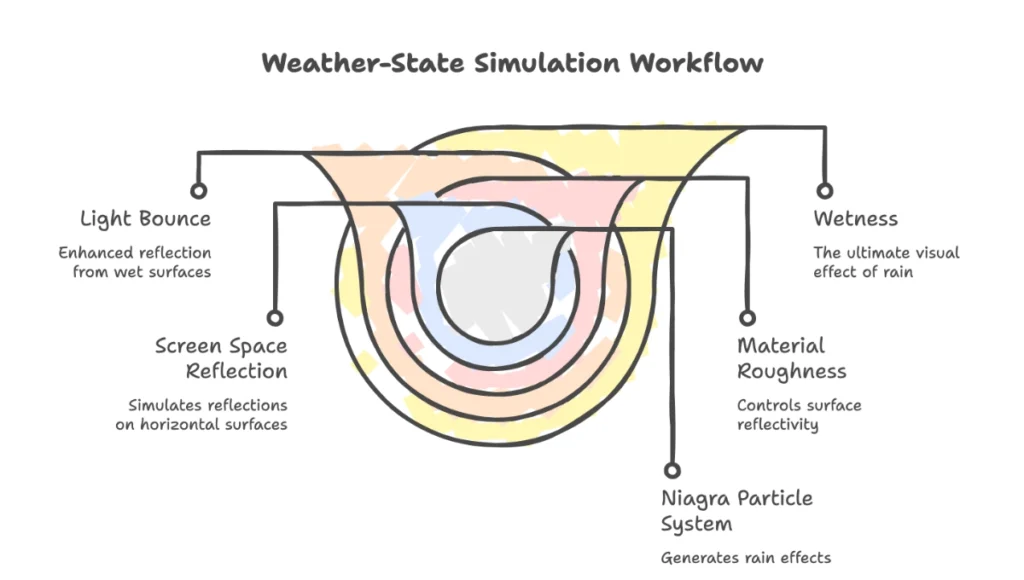
- Workflow: Deploy a Niagra Particle System for rain. Add a ‘Screen Space Reflection’ (SSR) layer to all horizontal surfaces to simulate wetness.
- Spec: Set Material Roughness to 0.05 for all “wet” surfaces to maximize light bounce.
9. The Isometric Explosion
Technical clarity for modular construction visualized through exploded architectural collages.
- Workflow: Explode the BIM model by 200% along the Z-axis. Use thin black ‘Toon Shaders’ for the outlines.
- Spec: Export as an .AI file from Rhino or use the ‘Hidden Line’ mode in V-Ray for vector-level precision.
10. The Interior Narrative (The Lived-In Space)
Focusing on neuroarchitecture basics to explain how a space feels within immersive architectural collages.
- Workflow: Use a 24mm wide-angle lens. Focus on light-play on the floor. Add “lived-in” artifacts (books, plants) with low-poly count but high-texture resolution.
- Spec: Use ‘IES Light Profiles’ to simulate the exact photometric data of specified light fixtures.
11. The Night-Time Thermal Map
Focus on energy performance and light pollution.
- Workflow: Map a ‘Gradient Map’ (Purple to Yellow) to the self-illumination slot of your model based on the ‘Light Intensity’ pass.
- Spec: Use ‘Bloom’ at 0.1 intensity to simulate the glow of a high-performance building at night.
12. The Vegetation/Re-Wilding Collage
- Workflow: Layer high-res PNG cutouts of local flora over a clean 3D render. This avoids the “blobby” look of 3D-modeled trees.
- Spec: Match the ‘Shadow Angle’ of the tree cutouts to the shadow angle of the 3D building using the Transform tool.
13. The Abstract Light-Path Analysis
- Workflow: Use the ‘Caustics’ engine in V-Ray to show light refracting through glass or water in high-end architectural collages.
- Spec: Increase ‘Photon Map’ resolution to 2000 for sharp, crystalline light patterns.
Comparative Analysis: Nuvira Vs. Industry Standard
The Industry Standard: Automated Static Rendering
Most studios rely on “Preset-heavy” workflows. They push a model into a render engine, apply standard HDRIs, and hope for realism. The result is often a flat, plastic image that lacks the tectonic weight found in professional architectural collages.
- Flaw: High dependence on “Cloud Rendering” without local light-path control.
- Result: Visual homogeneity.
The Nuvira Workflow: Disruptive Analytical Synthesis
We advocate for a hybrid approach. We use the GPU for brute-force light calculation but the human eye for “representational agency.”
- Feature: Real-time path tracing combined with manual post-production masking.
- Benefit: 400% faster iteration cycles with higher emotional resonance.
Speculative / Internal Concept Study: NEURAL-GRID by Nuvira Space
Location / Typology / Vision
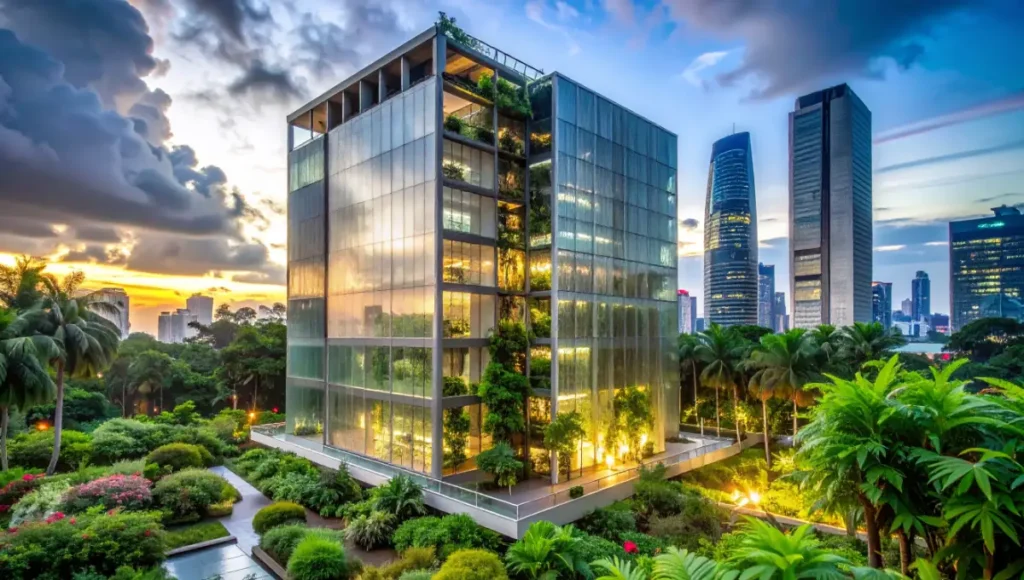
Location: Singapore, Downtown Core. Typology: Vertical Bio-Data Center. Vision: A structure that breathes. We aimed to visualize how data cooling systems could be integrated into public tropical gardens through multi-layered architectural collages.
Design Levers Applied
- Ray-Tracing Specs: We utilized ‘NVIDIA DLSS 3.5’ to maintain 60FPS while simulating 2 million translucent leaf particles.
- Materiality: We used a ‘Subsurface Scattering’ (SSS) shader for the polycarbonate skin to simulate the “glow” of internal hardware through the facade.
- Global Illumination: Used ‘Screen Space Reflections’ overlaid with ‘Planar Reflections’ on the water features to ensure 100% accuracy in the reflection of the tropical canopy.
Transferable Takeaway
Do not render the whole building at once. Render the systems separately (Structure, HVAC, Skin, Bio-layer) and synthesize them back together in post-production to maintain control over the visual hierarchy.
Intellectual Honesty: Hardware Check for Architectural Collages
You cannot perform a “Post-Digital Shift” on consumer-grade laptops. To handle the complexity of Unreal Engine 5 for architecture, your hardware must be as robust as your concepts.
- Minimum Requirements: RTX 3080 (10GB VRAM minimum) for handling high-fidelity textures.
- Optimal Setup: Dual RTX 4090s linked via NVLink for real-time path-traced viewport manipulation.
- Storage: NVMe M.2 SSDs are mandatory; your read/write speed is the bottleneck when loading 8K collage assets.
2030 Future Projection: The Death of the “Static Image”
By 2030, the “Architectural Collage” will evolve into a “Living Document.” We anticipate that static JPEGs will be replaced by persistent, cloud-streamed spatial simulations. Your architectural collages will be a 4D environment where stakeholders can adjust material tectonicity in real-time using AR interfaces. The “shift” is moving from looking at the drawing to being inside the intent.
Secret Techniques: Advanced User Guide for Architectural Collages
To achieve the “Nuvira Look,” stop using the ‘Physical Camera’ defaults.
- Technique: Set your ‘Film Grain’ to 0.02 and ‘Chromatic Aberration’ to 0.005. This mimics the micro-imperfections of a 35mm lens, instantly breaking the digital “perfection.”
- The “Dirt” Pass: Always render a separate ‘Ambient Occlusion’ pass with a search radius of 500mm. Multiply this over your base layer at 20% opacity to “ground” your tectonic elements.
Comprehensive Technical FAQ on Architectural Collages
Q: Why not just use AI for these architectural collages?
A: AI lacks “Tectonic Logic.” It can generate a pretty image, but it cannot ensure that a beam connects to a column. Our workflow ensures the visual is grounded in architectural reality.
- Spec: We use AI only for ‘Denoiser’ passes to speed up render times, not for structural content generation.
Q: How do I manage 8K texture files without crashing?
A: Utilize ‘Virtual Texturing’ in your engine. This allows the software to only load the tiles of a texture currently visible to the camera.
- Workflow: Convert textures to .UDIM format to distribute resolution across UV shells efficiently.
Q: What is the best engine for these 13 types of architectural collages?
A: For speed and atmospheric depth, Unreal Engine 5 is unrivaled. However, for precise material grain, V-Ray still holds the “tectonic” crown in high-fidelity simulation.
Join the Shift at Nuvira Space
The era of the “button-click” render is over. If you are ready to move beyond legacy workflows and master the tectonic synthesis of the post-digital era, explore our Visual Lab deep dives. Let’s build the future, one layer at a time.